AI Meeting Note Takers: How They Work and How to Use Them Well
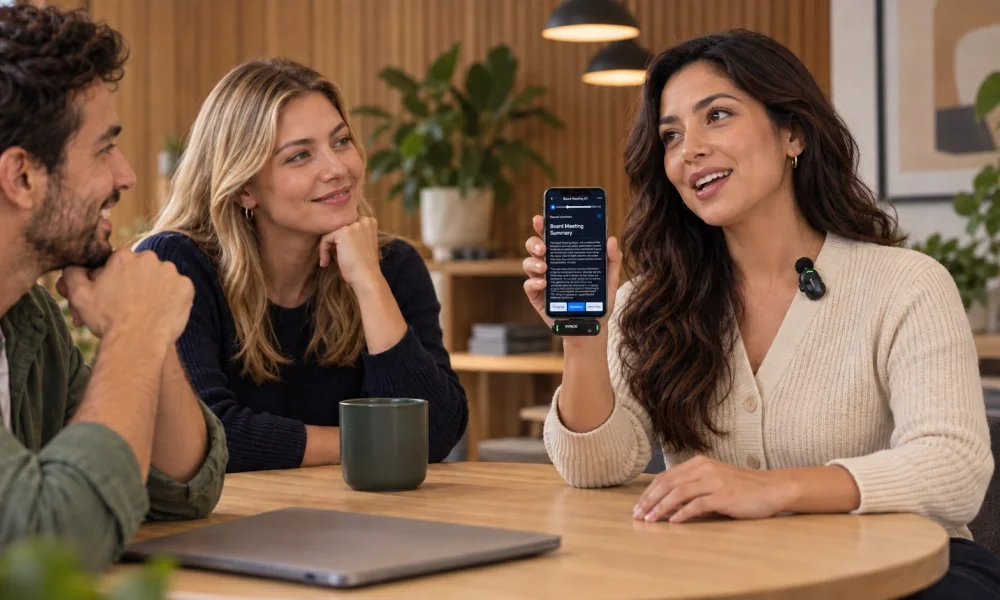
AI note takers record conversations, transcribe them and produce summaries and action items. They come as software that joins video calls and as dedicated recording devices for in-person meetings. Used well, they free you to focus on the conversation instead of typing.
How they work
- Capture: audio is recorded from a video call, phone or a dedicated device.
- Transcribe: speech-to-text converts audio into a transcript, often with speaker labels.
- Summarize: an AI model produces a summary, key decisions and follow-up tasks.
- Share and search: notes are saved so you can search past meetings or send them to your team.
Software bots vs dedicated devices
| Meeting bot / app | Wearable or pocket recorder | |
|---|---|---|
| Best for | Zoom, Google Meet, Teams calls | In-person meetings, interviews, lectures, calls on the go |
| Setup | Connect your calendar | Charge, carry and press record |
| Visibility | Appears as a participant | Physical device; you need to tell people it’s recording |
| Examples | Built-in AI notes in video apps and standalone note-taker apps | AI recorder devices such as Pocket |
Features to look for
- Transcription accuracy, including accents and multiple speakers
- Language support
- Customizable summary templates (sales call, interview, standup)
- Integrations with your calendar, CRM, notes or task apps
- Search across past meetings
- Clear controls for storage, deletion and sharing
Best practices
Always get consent
Recording laws vary by country and state; some require every participant to agree. Tell people you’re recording at the start, and respect anyone who opts out.
Treat summaries as drafts
AI can mishear names, numbers and technical terms. Skim the summary and check key decisions and figures before sharing.
Protect sensitive conversations
Check where recordings are stored and whether they’re used for model training. Avoid recording confidential HR, legal or medical conversations unless your organization allows it.
Make notes actionable
Turn action items into tasks with owners and deadlines straight away, while the meeting is fresh.
Who benefits most?
- Managers and consultants with back-to-back meetings
- Journalists, researchers and recruiters conducting interviews
- Students recording lectures (where permitted)
- Sales teams logging calls into a CRM
The bottom line
An AI note taker can save real time if you choose one that fits where your meetings happen, set clear consent habits and review the output before relying on it.